Weighted grade
calculator
When assignments count for different shares of your grade, a plain average is wrong. Enter each score and its weight to get your true weighted course grade.
Doing it by hand too?
A few solid picks. As an Amazon Associate, Calculate.to earns from qualifying purchases, at no extra cost to you.
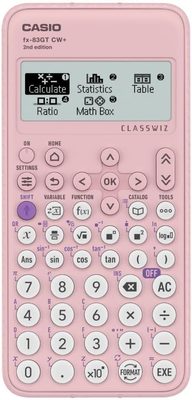
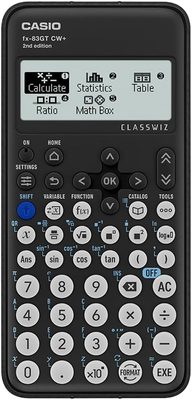
 Casio fx-83GTCW+
The UK classroom-standard scientific calculator (also in pink), allowed in most UK exams.
View on Amazon →
Casio fx-83GTCW+
The UK classroom-standard scientific calculator (also in pink), allowed in most UK exams.
View on Amazon →
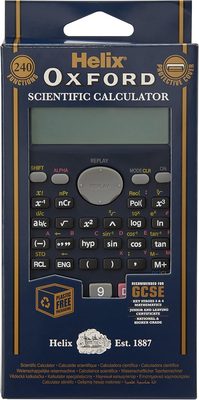
 Helix Oxford Scientific
240-function scientific calculator for KS3–KS4 maths, with hard cover. Exam-friendly, plastic-free packaging.
View on Amazon →
Helix Oxford Scientific
240-function scientific calculator for KS3–KS4 maths, with hard cover. Exam-friendly, plastic-free packaging.
View on Amazon →
 OSALO Desktop Calculator
Extra-large 12-digit LCD, giant buttons, solar + battery, the classic office desk workhorse.
View on Amazon →
OSALO Desktop Calculator
Extra-large 12-digit LCD, giant buttons, solar + battery, the classic office desk workhorse.
View on Amazon →
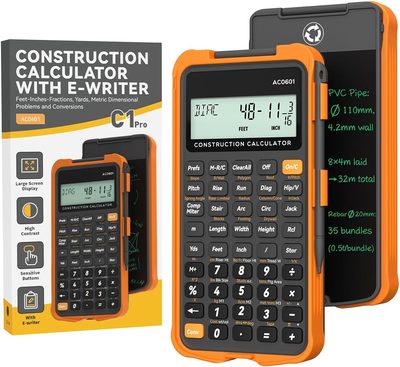
 ROATEE Construction Calc
Feet-inch-fraction engineering calculator for carpenters, framers and contractors on site.
View on Amazon →
ROATEE Construction Calc
Feet-inch-fraction engineering calculator for carpenters, framers and contractors on site.
View on Amazon →
Why weighting matters
A final exam worth 50 percent moves your grade far more than a quiz worth 5 percent, so each score is multiplied by its weight before averaging. The tool sums score times weight, divides by the total weight, and gives the real percentage.
Getting the weights right
Weights should add up to 100 percent; the tool shows your running total so you can check. If your syllabus lists categories such as homework 20, midterm 30 and final 50, use those as the weights and your category averages as the scores. Leave a row blank to ignore it. For a single test, use the test score tool.
Weighted grade FAQ
A plain average treats every item equally; a weighted grade multiplies each by its share of the total, so bigger assignments count more.
Ideally yes, and the tool shows the running total. If they do not, it still divides by whatever the weights add up to.
Group them: combine several small items into one category with a combined score and weight.
Empty rows are ignored, so you can use as few as one score and weight.